Fishing & Boating GPS Watches: Tide Tracking Compared
By Keiko Tanaka • 31st Mar
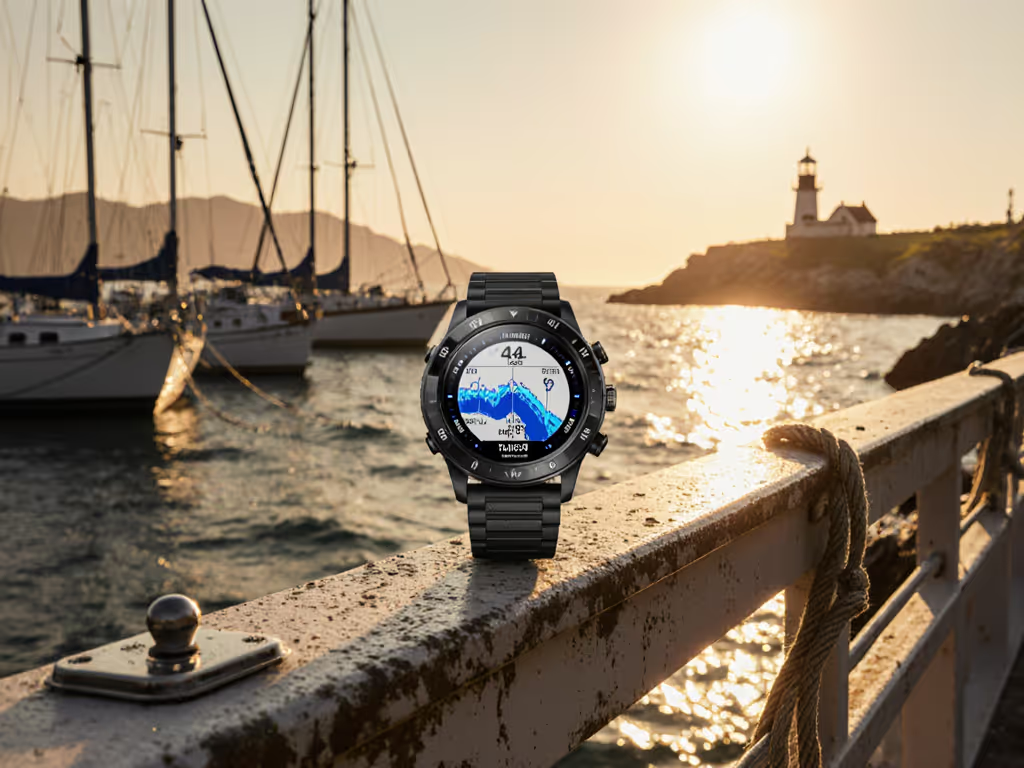
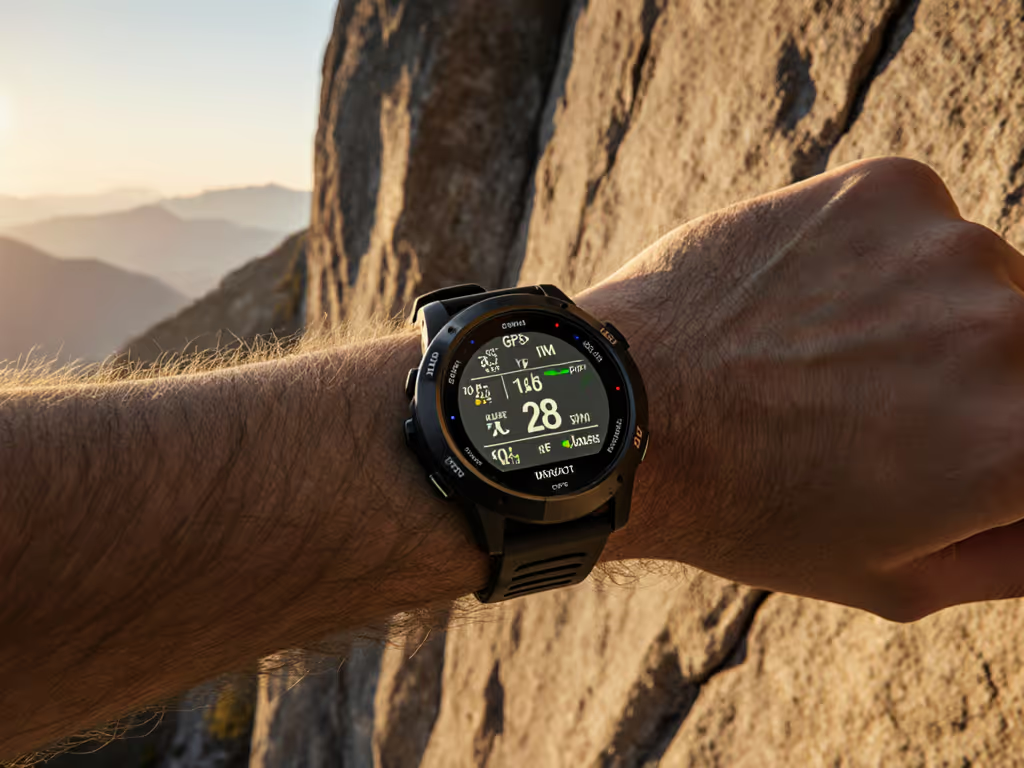
A GPS watch for fishing and boating is only useful if you can operate it when spray stings your face, when your hands are numb, and when the screen glares in direct sun. At 3 a.m. on a flooded creek, with sleet thickening and fingers gone to cold, I learned that touchscreens sulk when you need them most. A watch with raised buttons and bold type let me load a detour waypoint and adjust my anchor alarm without thinking. That is the whole point: the watch should vanish from your attention so you focus on water, weather, and what is beneath the hull.
Fishing and boating demand more from a watch than trail running does. You need marine navigation watch features that track currents and tides, that survive salt spray and constant moisture, and that respond to fingers wrapped in neoprene or wool. Most smartwatches fail this test. The best ones do not. For wet, windy, and low-visibility conditions, see our field tests of bad weather GPS watches.
Why Tide Tracking and Tactile Control Matter
Tide is not just data, it is rhythm. Slack water is when fish bite. Incoming tide lifts boats over shallows. Outgoing tide concentrates baitfish. A watch that reads tides must be fast: you glance, you decide, you cast or motor. No menu crawl. No squinting at tiny numbers. The Garmin Quatix 7, built for marine use, offers tide tables and anchor drag alerts (notifications that matter when you are focused on the horizon and not the screen). If you rely on SOS and location sharing offshore, build a GPS watch safety ecosystem that pairs your watch with satellite communicators.
Tactile matters because wet kills touch. Rain, spray, and neoprene gloves render capacitive screens useless within minutes. You need buttons you can feel. You need haptic feedback (a tick or buzz that tells you the press registered, even if you cannot see the screen). Buttons beat touch in weather. This is not preference; it is physics. Cold hands, numb fingers, and reduced dexterity mean a control must work without sight. If you cannot feel it, you cannot trust it.
Display readability is the third pillar. Sunlight off water is harsh. A 1.4-inch AMOLED screen with high contrast and bold fonts will show you tide time, tide height, and boat position in glare where lesser displays black out. The Quatix 8 uses sunlight-readable AMOLED technology designed for exactly this environment. It matters.
Core Features to Compare
When evaluating a fishing and boating GPS watch, focus on four areas: tide tracking accuracy, fishing hotspot mapping, sensor durability, and battery endurance. For accurate compass, barometer, and altimeter setup, see our environmental sensor calibration guide.
Tide Tracking Accuracy
Not all tide functions are equal. Some watches offer tide station lookups (you enter a location, the watch shows you pre-calculated times). Others plot tide curves so you see the tide height changing in real time. The best ones archive local tide data so you do not need cell signal to access it. The Quatix 7 includes preloaded tide data and anchor alarm (warns if your anchor drifts). This is the floor. Verify the tide database covers your fishing waters. Tides in shallow bays are predicted; tides in big estuaries or mixed-tide regions require site-specific data.
Fishing Hotspot Mapping and Depth Integration
Fishing hotspot mapping means waypoint tools and custom POI loading. You need to store known fishing spots: reefs, structure, old wrecks. You need to load them onto the watch without internet. A watch with full-color topographic maps and the ability to import GPX files lets you plan before leaving the dock and navigate to marked spots with gloved hands. The Quatix 8 supports Bluechart mapping (marine charts) and remote plotter control, so you can see both electronic chart data and your position simultaneously.
Depth finder integration is emerging. Some modern Garmin watches work with compatible sounder units via wireless link, showing real-time depth beneath the hull. If you fish deep water or explore unknown bottom, this integration shrinks decision time. But this feature is not yet standard (verify compatibility before purchase).
Saltwater Corrosion Resistance
Salt spray corrodes. Exposure to salt water and sun breaks down seals, eats anodes, and kills batteries fast. Check water resistance rating: 10 ATM (100 meters) is the marine minimum. But water resistance alone does not mean salt-proof. Look for:
- Stainless steel case and bezel (not plastic or plated aluminum)
- Sapphire crystal lens (resists scratches and salt crystallization)
- Fully sealed charging port or proprietary quick-disconnect that does not expose pins
- Titanium strap option (lighter, more corrosion-resistant than steel)
The Quatix 7 meets all these. If you fish saltwater, this durability is not luxury (it is survival of the hardware).
Battery Endurance in Cold and Continuous Logging
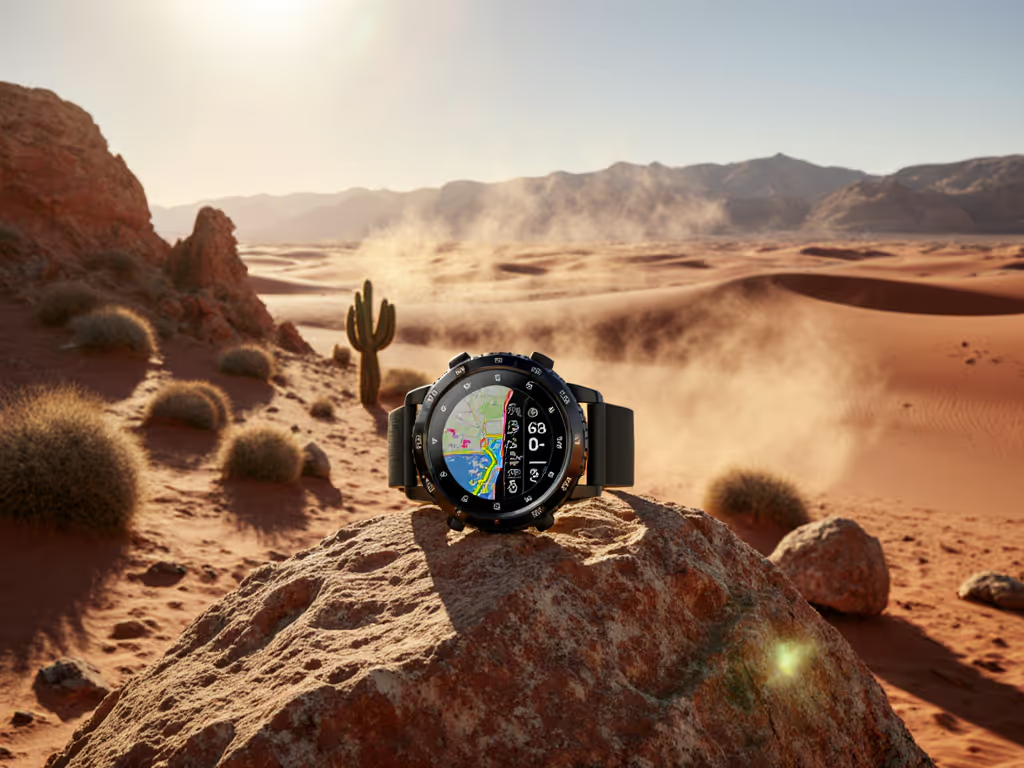
Battery life specs are lab conditions: room temperature, moderate activity, standard satellite mode. On the water, conditions are harsh. Cold cuts battery life by 20-40%. Use our GPS watch battery optimization guide to tune settings for cold, continuous GPS logging on the water. Continuous GPS logging (not just periodic position snapshots) drains faster. A watch claiming 18 days of smartwatch mode might deliver 10 days if you are running GPS and logging every second in winter.
Ask hard questions:
- What is GPS-only battery life (not smartwatch mode)?
- Does ultra-battery mode trade frequency for endurance (fewer position logs, less screen refresh)?
- Is there a user-replaceable battery, or are you locked into a proprietary service?
The Quatix 7 promises up to 18 days in smartwatch mode and up to 48 hours in UltraTrac mode. That second number is what matters for multi-day fishing trips. Verify those claims match your activity mix.
Step-by-Step Guide to Evaluating Your Watch
Step 1: Define Your Use Case (Time: 5 min)
Are you a saltwater charter angler (8-10 hour days, intense sun, constant water contact)? A guide managing a fleet of clients (frequent waypoint updates, need robust navigation and annotation)? A cold-water fisher or diver (serious thermal stress, perhaps the need for dive modes)? Your answer narrows the field. Saltwater charter anglers prioritize durability and speed; river guides prioritize offline mapping and waypoint accuracy.
Step 2: Audit the Display (Time: test in sunlight)
Do not buy a watch based on photos or indoor tests. Visit a retailer and view the watch in bright sunlight (outdoors, next to a window where water glare would be worst). Can you read the numbers from arm's length? Can you read them with polarized sunglasses on (many watches black out with polarization)? If you cannot read it in the store, you will not read it on the water.
Step 3: Test Button Placement and Haptics (Time: 5 min)
With gloves on (bring thick gloves to the store or ask the retailer for sailing gloves), press each button.
- Do buttons have raised edges or texture you can find by touch alone?
- Do they click or vibrate when pressed?
- Are they recessed or flush? Recessed is better for weather.
- Can you press them with numb fingertips or does it require fine control?
The Quatix line uses oversized buttons with tactile feedback. Spend the 5 minutes. This is not trivial.
Step 4: Verify Tide Data for Your Region (Time: 10 min)
Open the manufacturer's app or website. Search for your primary fishing location. Does the watch or app show tide times and curves? If tide data is missing, that watch fails your mission. No exceptions.
Step 5: Check Map Memory and Offline Capability (Time: 5 min)
Ask: Can I load custom maps onto this watch without a subscription? Can I load GPX files from my phone in airplane mode? Can I download marine chart data (Bluechart, Navionics) and store it on the device? Can I export my tracks and waypoints in open formats (GPX, CSV) if I switch watches later?
A watch that requires cloud login, subscription fees, or proprietary formats for map data is a watch that will fail you when cloud services are down or when you change ecosystems. Offline-first tools reduce cognitive load and risk.
Step 6: Validate Battery Claims Under Your Conditions (Time: long test)
Borrow the watch from a retailer (many allow 30-day returns) or ask a friend who owns it. Run it as you would fish: full GPS logging, tide screens enabled, screen refresh every 10 seconds. Use the watch in your expected weather (cold, wet, active sun). Track actual battery drain. Compare to spec. A 10% shortfall is acceptable; a 40% shortfall means the watch is misconfigured or the spec is fiction.
Actionable Next Step
Choose one GPS watch that meets the five non-negotiables: (1) AMOLED or memory-in-pixel display readable in sunlight, (2) tactile buttons with haptic feedback, (3) tide data for your region, (4) 10 ATM water resistance minimum with saltwater-rated materials, and (5) offline-first mapping and GPX support.
Then spend 2 hours learning its navigation mode. Load a local fishing spot as a waypoint. Practice navigating to it from your dock on a calm day. Practice with gloves. Test the tide function during an actual tide change. Do this before your first serious expedition. The best watch in the world is useless if you do not know how to use it in stress.
When you can operate it blind and cold (when you can load a waypoint, read tide time, and plot a course with numb fingers in the dark) you will keep moving instead of fiddling. That is when the watch disappears, and fishing becomes fishing again.
Related Articles