GPS Watch Environmental Sensors: Calibration Guide
By Ravi Menon • 23rd Feb
When you're navigating backcountry terrain, your GPS watch environmental sensors do more than display novelties (they're the foundation for reliable elevation data, weather prediction, and directional bearing). Yet most users never calibrate them, trusting factory defaults that decay rapidly in the field. The reality: calibrating outdoor sensors correctly is the most reproducible single action you can take to stabilize your breadcrumb trail.
Why Environmental Sensor Calibration Matters
Three primary sensors live in modern outdoor watches: the altimeter, barometer, and compass. Together they're sometimes called ABC sensors.[2] Factory calibration gets you started, but environmental drift (temperature swings, elevation changes, moving from sea level to 14,000 feet) means each sensor's accuracy degrades within days if left unchecked.
I learned this the hard way on a winter ridge traverse. A squall erased visibility entirely, and relying on breadcrumb backtracking became the only safe option. The dual-frequency unit I was testing held a tight line through scrub; the dual-sensor devices with me wandered by 15-20 meters. For why dual-frequency and multi-system tracking tighten breadcrumb accuracy, see our multi-band GPS guide. When I later reviewed the logs, the difference wasn't GNSS alone. It was that the winning unit had its barometer calibrated fresh at trailhead. The others hadn't. One device had been recalibrated three days prior at a different elevation, skewing all vertical gain estimates and throwing off its pressure-altitude filter.
This is not about watch reviews or feature lists. Track integrity beats feature lists. It's about method. The breadcrumb you can audit is the breadcrumb you can trust.
When Should You Calibrate?
Calibrate before any multi-day outing where elevation or weather shifts are significant. Specifically:
- Before long traverses: Recalibrate at the trailhead to anchor your barometer to known elevation and current pressure conditions.[5]
- After crossing major elevation zones: If you climbed 3,000 feet in one push, re-anchor the altimeter at the summit or at your next camp.
- After significant temperature changes: Extreme cold or heat can shift sensor drift. If your watch experienced a 40°F swing overnight, a manual compass calibration outdoors is worth the five minutes.[4]
- If you see erratic data: Irregular compass readings, wildly inflated/deflated vertical gain, or pressure spikes suggest one or more sensors need recalibration.[1]
Compass Calibration Outdoors
The compass is your fastest win. Outdoors, away from vehicles, buildings, or overhead power lines that distort magnetic fields:[4]
- Navigate to Settings > Sensors & Accessories > Compass > Start Calibration
- Move your wrist in a small figure-eight motion until the watch signals completion
- Accept the calibration and verify the heading updates when you rotate
This typically takes 30 seconds and requires no elevation knowledge. The critical rule: calibrate outdoors in open terrain. Indoors or near metal structures, the compass will lock onto noise and give you worse data than before.[7]
Altimeter Calibration Techniques
Altimeter accuracy depends on your barometer's baseline, so the two are linked. When you calibrate elevation, the watch has three options:[1]
Manual Entry: If you know your exact elevation (from a known benchmark, map contour, or GPS-derived position), select this option and enter the value in meters. This is the most reproducible method if you have a reliable reference (for instance, a USGS quad map or established trail marker with printed elevation).
Digital Elevation Model (DEM): The watch uses its onboard GPS location and map data to estimate elevation. This works reasonably in open terrain but can err by 50-150 meters if the map resolution is coarse or the GPS lock itself is uncertain.[1] Use DEM as a secondary check, never as a primary if you have a known reference.
GPS: The watch attempts to derive elevation directly from GPS signals (a process called "altitude-aided" positioning). This is noisy and slow but can help if barometer pressure readings are corrupted. If GPS and DEM disagree by more than 30 meters, neither is reliable at that moment. Move to open sky and try again.[1]
Best practice: Whenever possible, use manual entry with a known elevation reference. For step-by-step barometric calibration fixes and altitude accuracy techniques, start here. Metric-first: always work in meters, never feet, to avoid rounding errors.
Barometer Accuracy in Mountains
The barometer is the workhorse of vertical gain tracking and weather forecasting. It measures ambient air pressure, which correlates directly to elevation and weather state. Recalibration is essential because pressure changes with weather, not just altitude.
Your watch offers the same three calibration paths as the altimeter:[5]
- Enter Manually: Input your current elevation and sea-level pressure if you know both. Sea-level pressure is rarely known in the field, so manual entry is practical only if you enter elevation and let the watch compute pressure from its internal model.
- Use DEM: The watch looks up elevation from its map and calculates a pressure estimate. Same caveats apply (it can be off by 0.5-2 millibars in extreme terrain).
- Use GPS: Direct pressure calculation from GPS altitude (again, noisy and slow).
In mountains, recalibrate the barometer whenever you camp for the night or start a new day. At 10,000+ feet, unique satellite geometry issues appear—see high-altitude GPS error fixes to configure settings for big-mountain days. This anchors your vertical-gain totals and ensures your weather alerts (storm detection) use current baseline pressure rather than stale data.[2]
Error bars matter here: if two calibration methods suggest pressures that differ by more than 1 millibar, something is wrong (bad GPS lock, sudden weather shift, or a corrupted sensor). If you see this, wait 15 minutes, move to open air, and retry.
Temperature Sensor Reliability
Temperature sensors on outdoor watches are less frequently recalibrated but equally prone to drift. Direct solar heating, proximity to your skin, and thermal lag all affect readings. Temperature sensor reliability degrades fastest in shade-to-sun transitions or at dawn/dusk.
Most watches do not expose manual temperature calibration. They rely on automatic adjustment. However, if your watch logs ambient temperature for weather analysis or altitude correction, be aware that the reading at 8:00 a.m. in direct sun will be 3-7°C higher than the true air temperature. If you're using logged temperature data for analysis (computing dew point, adjusting barometric formulas), collect your temperature samples in shade and average them over at least 10 minutes.
Reproducible Calibration Workflow
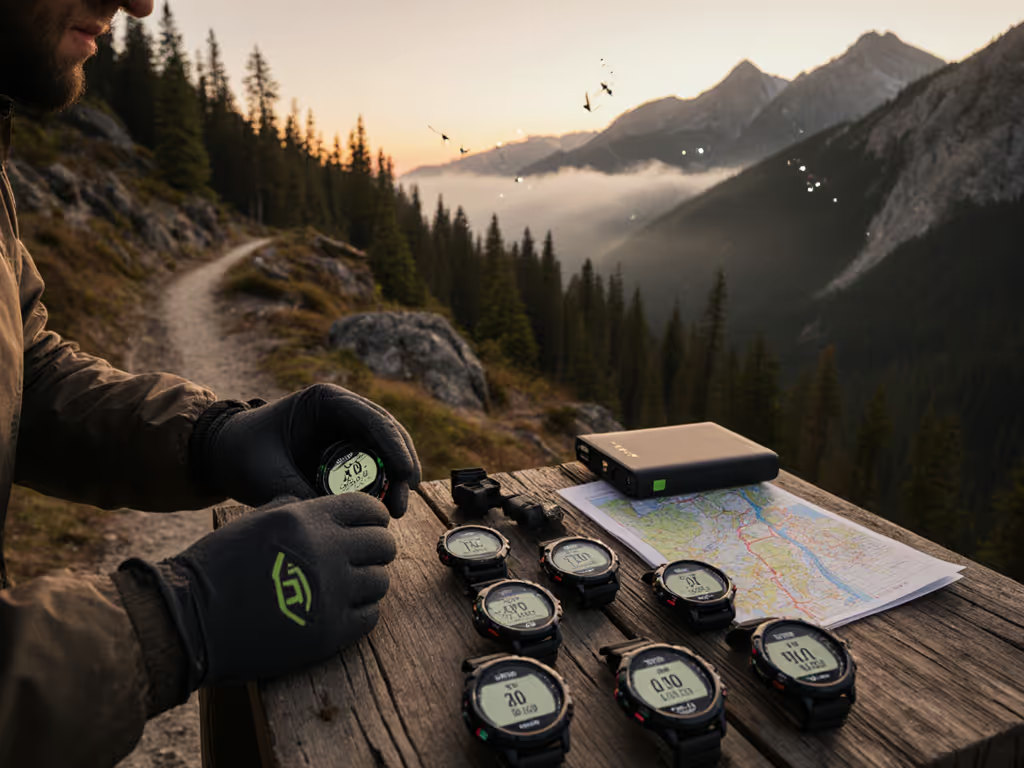
Here's the protocol I use before every multi-day outing:
- At trailhead (open terrain, shade or neutral light):
- Compass calibration (figure-eight, 30 seconds)
- Altimeter calibration (manual entry from known benchmark or map contour; DEM as secondary check)
- Barometer calibration (manual entry of elevation, allowing watch to compute pressure)
- Record the timestamp, location name, elevation entered, and any pressure/GPS data the watch displays
- During the day:
- If you climb or descend more than 1,000 feet and camp, re-anchor the altimeter at your new camp elevation
- If weather shifts dramatically (pressure swing >3 millibars), recalibrate the barometer
- Do not recalibrate the compass unless readings become erratic (excessive deviation from known bearings)
- Post-outing:
- Download your GPX/FIT file and overlay your track on satellite imagery or a detailed topo map
- Compare vertical gain logged by your watch to the true elevation rise (map contours or known waypoint elevations)
- Compare compass bearings to map bearings; check for bias or drift
- If you see consistent bias (e.g., +150 m vertical gain error every day), log the firmware version and calibration timestamps for reference
This audit closes the loop. Firmware versions pinned, timestamps recorded, error bars visible. The next time you use that watch, you'll know whether calibration drifted or if the sensor itself has a known offset.
Finishing Your Pre-Expedition Check
Calibrating outdoor sensors is not a one-time task; it's a checkpoint in your pre-mission protocol. Before any expedition where elevation, weather, or compass bearing will inform safety decisions, spend 10 minutes recalibrating. Step outside, follow the on-screen prompts, and record what you entered. Then trust the breadcrumb. If a watch can't hold a line under canopy or verify your ascent in a whiteout, it's decoration. For side-by-side results under heavy tree cover, see our canopy accuracy test.
The goal is simple: a watch you can audit, a dataset you can review, and a track you can trust when you need it most. That's where reproducibility lives, and that's where your confidence grows.
Next Steps: Review your watch's user manual for the exact menu paths on your specific model (they vary slightly between manufacturers). Create a small calibration log on your phone: timestamp, location, elevation entered, initial barometric pressure. After your next outing, download the track and compare vertical gain to your manual reference. For map workflows and best practices, see our topo mapping guide. Measure the error. That's your baseline. Repeat, adjust, and you'll understand not just how to calibrate, but why it matters.