Optimize GPS Watch Settings for Backpacking Navigation
By Marta Kovács • 4th Apr
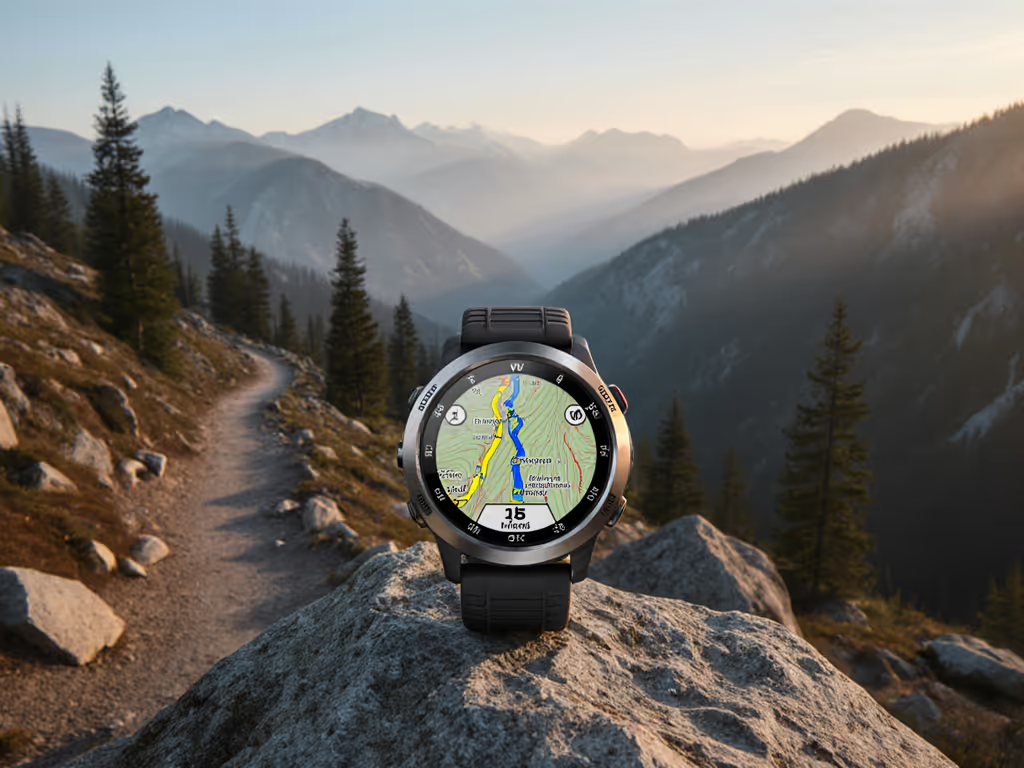
Proper GPS sport watch settings and backpacking watch displays are not luxuries (they are load-bearing decisions that determine whether you navigate with confidence or spend the final hours navigating on guesswork and fading battery). Most hikers and backcountry travelers accept the default configuration their watch shipped with, then discover in the field that battery life has halved, elevation data drifts unpredictably, or satellite reacquisition takes so long that they miss a waypoint turn. The solution is not a better watch; it is deliberate configuration. For step-by-step setup, see our GPS watch customization guide.
Endurance is a safety margin. When you tune your watch before departure, you transform it from a passive logger into a tool engineered for the specific constraints of your trip: terrain type, weather window, resupply distance, and team risk tolerance. This is not about maximizing runtime at any cost (it is about matching precision to necessity and reserving battery overhead for the unexpected).
1. Establish Your Power Budget Before You Boot
Batteries lie; logs don't. Budget before you boot, always. Before touching a single menu, define the non-negotiable facts:
- Expected trip duration (hours of active navigation per day)
- Number of trail days (overnight nights without charging)
- Temperature extremes (cold saps 20-40% runtime; record this assumption)
- Terrain character (dense canopy, open ridges, canyons, each affects GPS lock speed and battery strain)
- Resupply opportunities (can you charge at a hut, or are you offline for five days?)
Once you know these constraints, you can reverse-engineer a watch profile. For example, if you plan a five-day traverse in cold weather with no charging and dense forest coverage, a 20-hour-per-day battery claim at "Best" GPS accuracy is not credible in your conditions. Reduce scope: assume 60-70% of advertised life, add 15% cold penalty, then verify the watch can run your planned activity window with 20% reserve. To squeeze more hours from any device without crippling navigation, follow our GPS battery optimization playbook.
Pre-trip checklist:
- Trip duration: _____ hours/day × _____ days
- Advertised battery life (from manual): _____ hours
- Cold-weather derating (apply 0.7×): _____ hours
- Safety margin (reserve 20%): _____ hours usable
- Required runtime: _____ hours
- Does the watch meet it? Yes / No
If "No," add a backup battery pack or plan a mid-trip mode switch (see technique 4 below).
2. Choose GPS Frequency: Accuracy vs. Runtime Trade-Off
The single greatest drain on a GPS watch is obtaining a position fix via satellite. Every 1-second GPS fix cycles the receiver to full power; every 60-second fix lets it sleep most of the time. The tradeoff is direct: less frequent fixes equal longer battery, but also coarser breadcrumbs and slower real-time data on the display.
GPS frequency options and typical battery impact (as tested by manufacturers):
- 1 second ("Best"): 16-20 hours. Real-time data is crisp; downloaded tracks are detailed and smooth.
- 5 seconds ("Good"): 24 hours. Acceptable for paced travel; minor jumpiness on download.
- 60 seconds ("OK"): 50+ hours. Sparse breadcrumbs; noticeable lag in real-time display; perceptible "jumps" when reviewing the track later.
For backpacking, a 60-second interval is the workhorse. If your route crosses slot canyons or tight valleys, learn how to avoid GPS drift with better route planning and waypoint use. It trades post-expedition granularity for a second (or third) day of autonomous navigation. If your GPS breadcrumb interval is 60 seconds and you are moving at 3 mph, your recorded position is accurate to roughly 260 feet horizontally, sufficient to stay on a trail and to retrace your steps.
Recommendation by scenario:
| Terrain / Use Case | Frequency | Rationale |
|---|---|---|
| High-consequence route finding (scrambly passes, dense forest with poor visibility) | 5-10 seconds | Tighter trackback; quicker course corrections via map. |
| Well-marked trails, open terrain | 60 seconds | Ample battery reserve; detail is not critical. |
| Multi-day expedition, cold weather, no resupply | 60 seconds | Essential to preserve endurance. |
| Day hike with recharge planned | 1-5 seconds | Maximize data quality; battery is not a constraint. |
3. Master Recording Interval vs. GPS Frequency
Many watch users conflate GPS frequency (how often the watch sends the receiver for a fresh satellite fix) with recording interval (how often the watch writes data to storage). These are separate.
Recording interval does not meaningfully affect battery life on modern watches; it only affects storage and file size. GPS frequency is the battery lever.
Best practice: set recording interval to 1 second and GPS frequency to your chosen tradeoff (60 seconds for multi-day, 5 seconds for technical terrain). A 1-second recording interval ensures that even at a 60-second GPS fix, the watch logs motion data (via accelerometer and barometer) between fixes, so your downloaded track is smoother and more contextually complete than raw satellite points alone.
Pre-trip watch configuration:
- Recording interval: 1 second (memory sufficient for multi-day trips)
- GPS frequency: 60 seconds (for extended trips) or 5 seconds (for terrain with nav criticality)
- Barometric altitude recording: enabled (captures ascent/descent even when GPS signal is weak) Before departure, run quick barometric calibration fixes to prevent elevation drift.
4. Create and Swap Custom Watch Modes for Dynamic Battery Control
The most sophisticated, and often overlooked, technique is to pre-load multiple sport modes with different GPS frequencies, so you can switch mid-trip without stopping.
The principle: start the first half of your trip in a high-accuracy mode, then downshift to a conservation mode once battery percentage signals you need runway. This preserves early-trail data quality (when navigation is freshest and most deliberate) while extending the final hours.
Example preset for a 3-day ski traverse (tested in cold, ~7 hours active per day):
Mode: "Traverse - High" (Primary, hours 0-14)
- GPS frequency: 5 seconds
- Recording interval: 1 second
- Display fields: battery %, current pace, elevation gain/loss cumulative
- Expected duration: 14 hours (day 1 + part of day 2)
- Battery drain in cold: ~20% per hour -> 280% consumed = expect 70% battery remaining after 14 hours
Mode: "Traverse - Endure" (Fallback, hours 14-21)
- GPS frequency: 60 seconds
- Recording interval: 1 second
- Display fields: battery %, distance to waypoint, elevation to pass
- Expected duration: 7 hours
- Battery drain in cold: ~5% per hour -> 35% consumed = log arrival with ~35% reserve
Activation protocol: When battery hits 70%, switch modes using the physical button (usually top-left menu). On watches that support mode switching without stopping the activity, this takes 3-5 seconds and preserves the activity record.
Field trigger:
- Battery > 70%: use High mode
- Battery 50-70%: consider switching; assess remaining distance and daylight
- Battery < 50%: switch to Endure mode; plan for minimal map pan/zoom to preserve battery further
5. Optimize Display Fields for Backcountry Context
The watch face you see is a window onto your power state, location confidence, and navigation progress. Cluttering it with training metrics (cadence, VO2 max, stress score) drains battery via more frequent display refreshes and, more importantly, distracts from the data that keeps you safe offline.
Essential display fields for backpacking:
- Battery % (always visible; updated every 5-10 seconds)
- Current pace or speed (quick sanity check; confirms GPS lock)
- Elevation gain/loss cumulative for the day (early warning if you are climbing more than planned)
- Distance to waypoint or next checkpoint (if watch supports custom waypoint navigation)
- Altitude (barometric) (cross-reference against map contours for location confirmation)
Optional but valuable:
- Cumulative distance (audit against mileage estimates on topo map)
- Time of day (confirms alignment with sunrise/sunset and planned camp time)
Display refresh rate: Keep it at default (usually 1-second updates in active mode). Disabling frequent refreshes saves almost no battery compared to GPS frequency tuning and makes real-time data sluggish.
6. Pre-Load Maps and Assisted GPS Data
Before you leave cell service, ensure your watch has cached the latest GPS satellite almanac. Assisted GPS (AGPS) is a small data file that pre-positions where satellites should be; it dramatically speeds up cold starts and re-acquisition when you pause or enter dense forest.
Pre-trip action:
- Connect your watch to your phone via the manufacturer's app at least one day before departure.
- Sync to download the latest AGPS file; confirm the file timestamp is recent (less than one day old).
- If your watch supports on-watch mapping, load your GPX route and any relevant POIs (passes, water sources, emergency shelters) onto the watch face itself, not just as trackback breadcrumbs. For practical on-watch navigation, see our field guide to topo mapping tips.
- Verify you can pan and zoom the map without internet; test zooming to a scale that shows your route but remains readable in sunlight.
7. Test and Validate in Cold and Canopy
Manufacturer battery claims are typically measured at 68°F (20°C) in open sky. Cold reduces battery life by 20-40%; dense forest slows satellite acquisition and increases duty cycle.
If your trip is in winter, alpine terrain, or heavily forested regions, run a 2-hour test hike in similar conditions one week before departure. Log the battery drain rate and note any slow re-acquisition when you pause or duck into trees. Adjust your power budget and mode thresholds accordingly. Small tweaks here will pay off later.
Test checklist:
- Temperature during test: _____°C; expected trip temp: _____°C
- Battery drain per hour in test: _____%
- Time to first GPS lock: _____ seconds
- Time to re-lock after 2-minute pause: _____ seconds
- Visible drift in tracks or elevation? Yes / No
- Adjustments to power budget: _____
Next Step: Configure and Validate This Week
Do not wait until trailhead morning to tweak settings. Choose one upcoming hike or trail run of 2-4 hours, load your planned modes, and test the mode-switching protocol and battery drain rate. This rehearsal builds confidence and exposes configuration errors before they matter.
Once you return, review the GPX file in a desktop tool (e.g., CalTopo or QGIS) to spot any drift or gaps that hint at poor satellite lock or GPS frequency inadequacy. If the track is clean and battery reserve was > 15% at the end, you have a validated preset for your next trip.
Related Articles