GPS Watch for Triple Crown Trails: Trail-Tested
By Keiko Tanaka • 2nd May
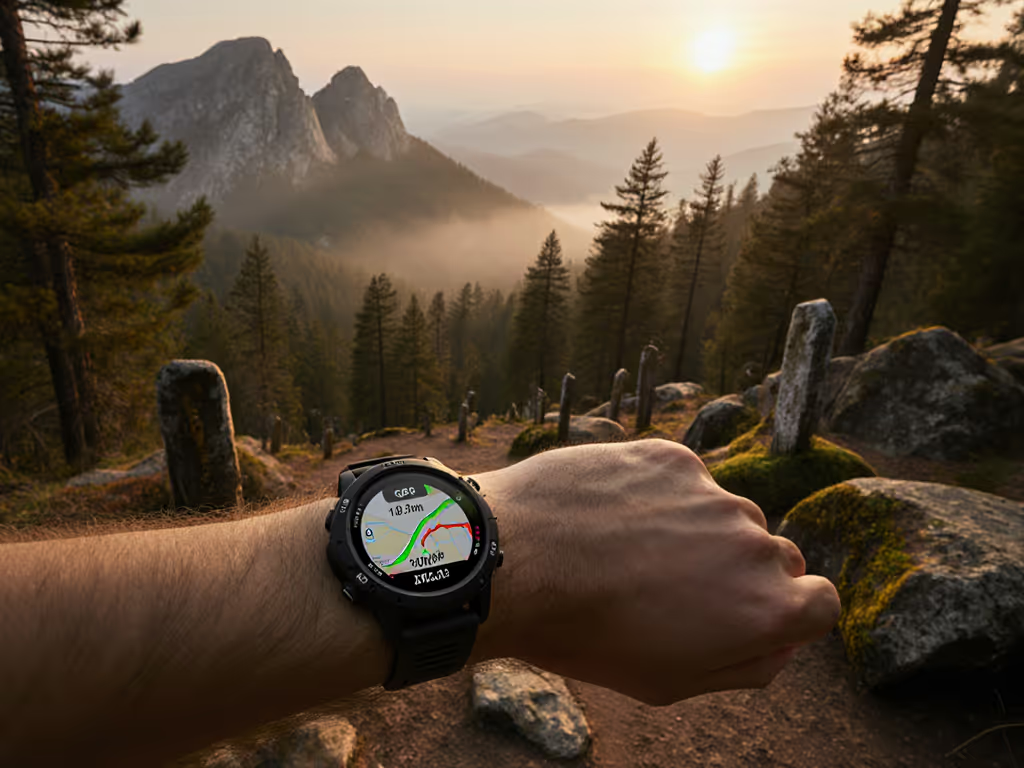
Problem: Your Watch Won't Save You in a Storm
Choosing a GPS watch for triple crown trails is not about brand loyalty or weight shaving. It's about predictable survival under the conditions that matter most: darkness, cold, multipath signal chaos, and the margin between a safe decision and a wrong turn.
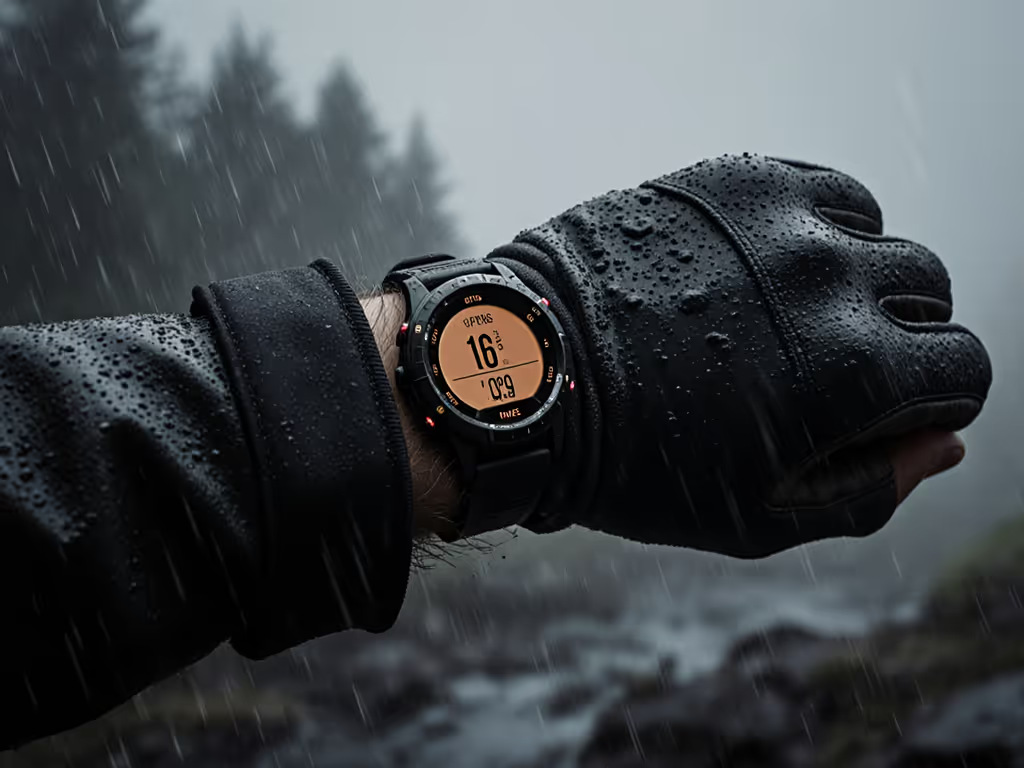
Most thru-hiking navigation watches do not fail during ideal conditions. They fail at 3 a.m., when sleet thickens your gloves, visibility drops to arm's length, and a GPS dropout forces a reroute decision at a trail junction. They fail when the touchscreen becomes a useless slab of ice. They fail when the elevation jumps 500 feet in a tenth of a mile and you're unsure if it's a genuine ascent, a multipath error, or a calibration fault.
For ultrarunners, guides, SAR volunteers, and expedition backpackers, the watch must disappear, become an extension of decision-making, not a frustration. The interface should work blind and cold. If you can't feel it, you can't trust it.
Problem: Why Most GPS Watches Fail Under Real Conditions
GPS Drift and Multipath Error Under Canopy
Dense forest, slot canyons, and urban terrain create multipath conditions: signals bounce off trees, rocks, and canyon walls before reaching the receiver. The GPS unit can't distinguish real signals from reflections, causing breadcrumb scatter of 50-150 meters in worst cases.
This isn't theoretical. On a thru-hike through mixed conifer, a watch locked to single-frequency L1 showed the track jumping side-to-side by a full switchback width. Pace data became useless. Elevation gain inflated by 200 vertical feet in 2 miles due to vertical jitter.
Dual-frequency and multi-constellation receivers (GPS + GLONASS + Galileo + BeiDou) mitigate this, but only if:
- The watch actually logs all constellations during your activity
- Battery drains predictably (many watches claim multiband capability but disable it in battery-saver modes)
- The chipset firmware isn't buggy (some watch updates broke multiband stability; users had to revert firmware)
Battery Collapse in Cold and High Frequency
Advertised battery runtime often assumes moderate temperature and moderate logging frequency. Real conditions differ drastically:
- At 10°F, lithium-ion capacity drops 30-50% from nominal
- Logging position every 2 seconds instead of 4 seconds doubles power consumption
- High-altitude operation (lower air density, more power to the receiver) further drains the cell
- Continuous satellite search during signal loss burns battery fast
A watch claiming 14 days of battery at 1 Hz may deliver only 6-8 days in cold, at 1 Hz with multiband enabled. Delay kills decisions. If you don't know your actual runtime before departure, you risk navigation failure on day 8. Use our GPS watch battery optimization guide to configure power settings that extend cold-weather runtime without sacrificing essential accuracy.
Slow GNSS Acquisition and Re-Acquisition
You pause to check a waypoint. The watch enters standby. You resume; the watch must relock satellites. On some models, this takes 20-40 seconds. On a technical section, 40 seconds of no position logging means a track gap, a reroute hypothesis, wasted mental energy.
Forest re-entry is worse. Exit a dense grove and the watch is still using the last-known position estimate. It takes 2-5 minutes to acquire a fresh fix and detect the true bearing. Poor initial fix time increases wrong-turn risk in low-SNR (signal-to-noise ratio) environments.
On-Device Navigation UI That Slows You Down
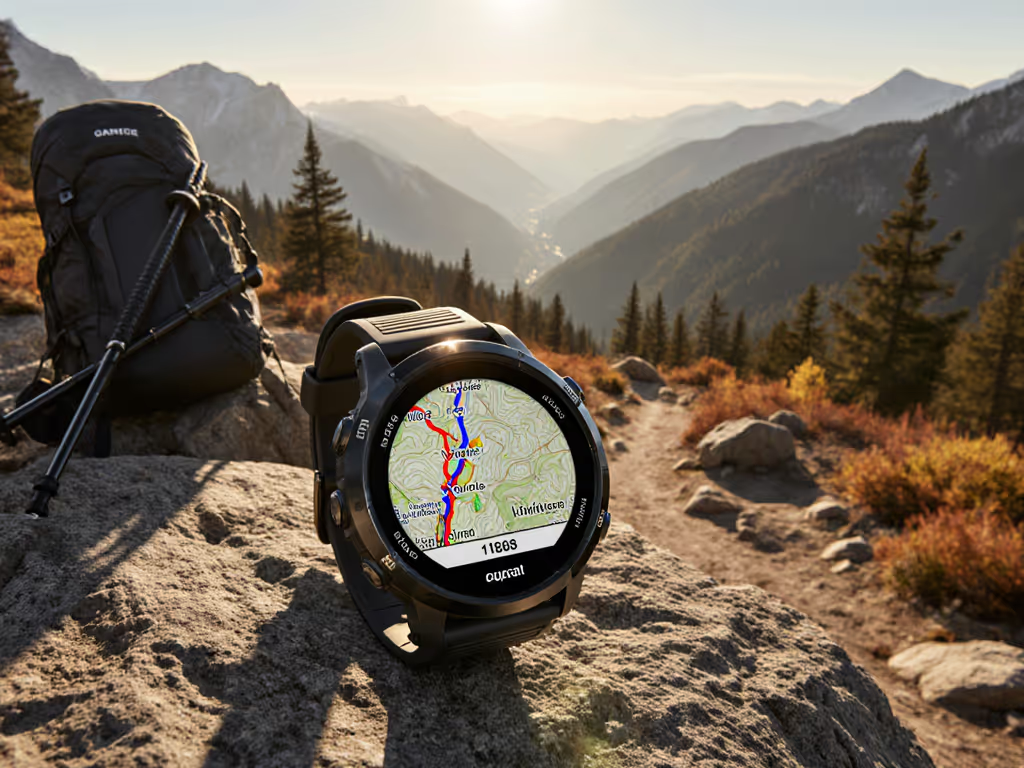
Tiny 1.2" screens with low contrast make map panning, zooming, and waypoint selection slow under bright sun or in storm light. Some watches require 3-5 taps to pan the map. Others don't support custom map layers, forcing you to choose between detailed topo and lightweight basemap, not both. Track routing is offline-first on quality watches, but on others, rerouting requires internet sync, leaving you stranded if your phone is offline. Learn how to evaluate topo mapping on GPS watches for reliable off-grid navigation.
Touchscreen Failure in Wet and Cold
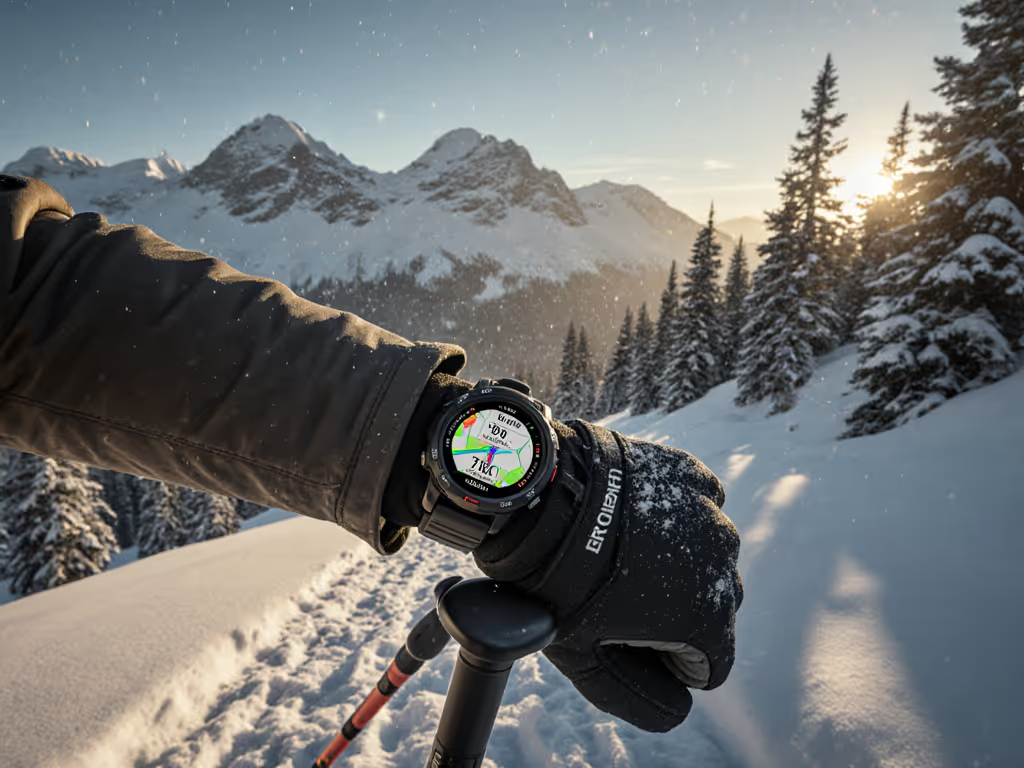
Rain and snow reduce touchscreen sensitivity. Gloves make it worse. Many expedition athletes carry wool gloves; touch won't register through them. Some watches offer a "glove mode," but it's inconsistent: mode A disables touch but requires button combos to navigate. Mode B slows response time. Neither offers full tactile button access to critical functions like resupply point tracking, emergency alerts, or profile switching.
On a wet night descent, a guide needed to mark a water source and toggle his activity profile from "navigation" to "rest." Touchscreen wouldn't respond. He had to stop, remove gloves in 38°F rain, complete the task, and resume. Five wasted minutes in deteriorating conditions.
Map and Data Lock-In
Many modern watches bundle proprietary map formats, subscription-based map updates, and cloud-first workflows. You can't easily export waypoints as standard GPX. Routes sync only through the vendor's app. Custom POIs are locked in the ecosystem.
For a professional guide or researcher doing trail community data integration, this is disqualifying. They need to:
- Build GPX routes in QGIS, load them offline to the watch, and edit on-device
- Log custom waypoint metadata and export as CSV for team debriefs
- Use standard ANT+ or BLE sensors without vendor-locked proprietary bands
The best watches separate navigation data from the ecosystem. Open standards (GPX, FIT, ANT+) let you move data freely.
Battery Serviceability and Product Lifecycle
Non-replaceable batteries are the industry norm. After 400-600 full charge cycles (2-3 years), capacity drops below 80%, and the watch becomes a risk on multi-day outings. If the vendor discontinues support or forces a major OS update that breaks stability, you're stuck.
For backpacker repairability and confidence, the watch should:
- Use standard charging (USB-C, not proprietary connectors)
- Have replaceable batteries or a documented serviceability pathway
- Offer 5+ years of firmware support with backward compatibility
- Maintain a "legacy" mode to disable forced updates on critical devices
Professionals budget for gear lifecycle. Hobbyists don't always realize they're one major bug away from obsolescence. See our GPS watch repairability comparison to understand service options and long-term ownership costs.
Agitation: The Cost of Failure
Wrong GPS watch choice compounds daily across a long trail:
- Day 3, elevation fog: Your barometer calibration drifted. Ascent reads 4,200 feet when the guidebook says 3,800 feet. You question if you're off-route. Confidence dips.
- Day 7, dense forest: GNSS acquisition takes 3 minutes after exiting camp. You miss the first turn. Recovery adds 45 minutes and 400 ft of wrong elevation.
- Day 11, cold night: Battery runs out at 9 p.m., 8 miles from the next resupply. No backup power. You navigate by headlamp and paper map, which is not ideal at 2 a.m. in rain.
- Day 14, touchscreen ice: Touchscreen doesn't respond. You waste time. Decision-making gets rushed. You take a risky shortcut instead of a safe detour.
Each failure is recoverable alone. Stacked, they erode margin. Margin is what keeps you safe.
For a SAR mission or a professional guide, the margin is operational. For a solo backpacker, it's psychological: every watch failure increases anxiety, which increases risk-taking.
The best insurance is a watch you've field-tested under real conditions before the high-stakes outing.
Solution: Field-Testing Framework and Feature Hierarchy
Testing Methodology: Real-World Scenarios
Before buying, standardize your evaluation:
Scenario 1: Dense Canopy (48-hour test)
- Log a route through mixed conifer, 1-3 mile diameter
- Compare watch breadcrumb to iPhone GPS and benchmark Garmin (if available)
- Measure GNSS reacquisition time when entering/exiting grove
- Note elevation jitter and cumulative gain discrepancy
Scenario 2: Canyon or Urban Canyon (4-hour test)
- Navigate a narrow slot or downtown multi-story zone
- Log both single-frequency and dual-frequency modes (if available)
- Count signal dropout events and recovery latency
- Compare distance-traveled accuracy to known distance
Scenario 3: Cold Soak + Battery Drain (lab, 6-hour simulated outing)
- Place watch in a 20°F environment for 30 minutes before use
- Log a 3-hour activity at 1 Hz with multiband enabled
- Record battery drain (should be ~5-8% per hour under these conditions)
- Check if GPS acquisition slows in cold
Scenario 4: Glove and Wet-Use Interface Test (30-min hands-on)
- Don wool gloves and light rain jacket
- Try to toggle the activity profile, mark a waypoint, switch satellite mode, start/stop activity, and access a saved route, all without removing gloves
- Time each action. Anything over 10 seconds is a friction point.
Scenario 5: Data Portability (phone-based, 15 min)
- Export a completed activity as GPX and FIT
- Load both into QGIS and Strava
- Check if waypoints, metadata, and elevation are preserved
- Try to import a custom GPX route and verify it displays on-device
These tests are fast, repeatable, and field-grounded. They reveal what marketing specs hide.
Feature Hierarchy: What Matters Most
Not all features are equal. Rank them by impact on long-distance trail navigation reliability:
Tier 1: Non-Negotiable
- Dual-frequency GNSS with at least 3 constellations (GPS, GLONASS, Galileo)
- Barometric altimeter with user-settable calibration
- Physical buttons for core functions (start/stop, profile switch, waypoint mark)
- Tactile button feedback (audible click, not capacitive)
- Glove-mode UI (toggle-able, not forced)
- USB-C charging (not proprietary pin)
- Battery life ≥10 days at 1 Hz, 50°F-80°F; documented cold-soak runtime
- GPX/FIT export, no cloud requirement for offline backup
- Water resistance ≥10 ATM, tested under real rain and mud
Tier 2: High Value
- Open ANT+ and BLE compatibility (external HR monitor, power meter, cadence pod)
- On-device route editing and custom POI management
- Multiband mode without subscription to enable
- Firmware update history and bug-fix transparency
- Replaceable battery or documented repair pathway
- Long product support window (5+ years minimum)
Tier 3: Nice-to-Have
- Solar charging assist
- Emergency SOS messaging
- Live weather overlay
- Social features
The Tier 1 features directly reduce failure risk and decision lag. Tier 2 features improve operability. Tier 3 features add convenience but don't save you in a storm.
Real-World Data: What Does Success Look Like?
Peer feedback and public track data reveal patterns. When evaluating a watch for GPS watch for triple crown trails, look for:
-
Elevation accuracy within 2% over a full outing. A 10,000-foot day should log 9,800-10,200 feet.
-
GNSS horizontal accuracy within 5 meters in open terrain, within 15 meters under canopy. Check public Strava tracks from similar terrain for clustering versus scatter.
-
Battery runtime within 10% of advertised in cold, multi-band mode. If specs say "14 days at 1 Hz," real-world runners should see 12-14 days, not 8-10.
-
Touchscreen responsive to a bare finger and a resistive glove, or full button-primary navigation for all critical functions.
-
GNSS reacquisition under 20 seconds after pausing or exiting dense cover.
These metrics are measurable. Demand them before purchase.
Workflow: Practical Long-Distance Integration
Once you've selected a watch with strong Tier 1 features, optimize your approach:
-
Pre-load routes in airplane mode. Download detailed topos and custom routes using your phone. Transfer to the watch as GPX before the trip, with internet off.
-
Set up resupply point tracking as custom waypoints. Mark each cache, water source, and resupply location with GPS coordinates and metadata. Sync to a shared spreadsheet if part of a team.
-
Test battery mode mapping before the outing. Log your exact activity profile and watch power drain. Plug real-world mAh/hour into a spreadsheet. Calculate actual days of endurance for planned mileage.
-
Carry a backup charger. A small USB-C power bank (10,000 mAh) weighs 6 oz and extends runtime indefinitely.
-
Set waypoint alerts, not just map-follow. Waypoint alerts (audio + vibration) ensure you catch a critical turn even in autopilot mode.
-
Export your final track within 24 hours. Don't rely on cloud sync. Export GPX/FIT locally and back up to personal storage. This is your trail log, not the vendor's.
Summary and Final Verdict
A GPS watch for triple crown trails is a life-support tool, not a gadget. It works at 3 a.m. in a sleet storm when your fingers are numb and the next decision determines safety. It must offer predictable battery life, accurate elevation and position, tactile buttons that work blind and cold, and open data export that frees you from vendor lock-in.
If you can't feel it, you can't trust it.
The best watch won't be the most expensive or the most feature-rich. It will be the one you've field-tested under real conditions, that has proven battery endurance in cold, that logs accurate tracks in dense cover, and that lets you make critical decisions in seconds instead of fiddling with a touchscreen in the dark.
Choose based on Tier 1 features first: dual-frequency GNSS, barometer, physical buttons, glove compatibility, and verified battery runtime in cold. Verify claims through peer field reports and standardized testing. Buy for repairability and long-term support. Use a workflow that doesn't depend on cloud sync or the vendor's ecosystem.
Delay kills decisions. A watch that slows you down or fails on day 11 isn't a convenience; it's a liability. Invest in reliable gear, test it thoroughly, and trust it, because on a long trail, your watch is part of your margins.
The verdict: Look for durability, open data, proven accuracy under canopy, tactile controls, and transparent battery specs. Test before you leave. Don't compromise on feel or field-tested reliability. Your safety and peace of mind depend on a watch that disappears into competence, not one that demands babysitting.
Related Articles